Architecture Candy Summer School Sale is coming.

Join the Waitlist — Be First to Know

40% off on all courses & 50% on Bundles

Architecture Candy Summer School

Free to join. Sale runs 8 to 12 July only.

What's coming

8th July, 10am BST. Four days only.

40% off all courses, discounted bundles, and two brand new courses dropping for the first time.

After 12th July at midnight, it's gone.

New this season

Two new courses, built for portfolio season.

Site Plan RenderingNew Release
3 Styles, 1 Course

Site Plan Rendering

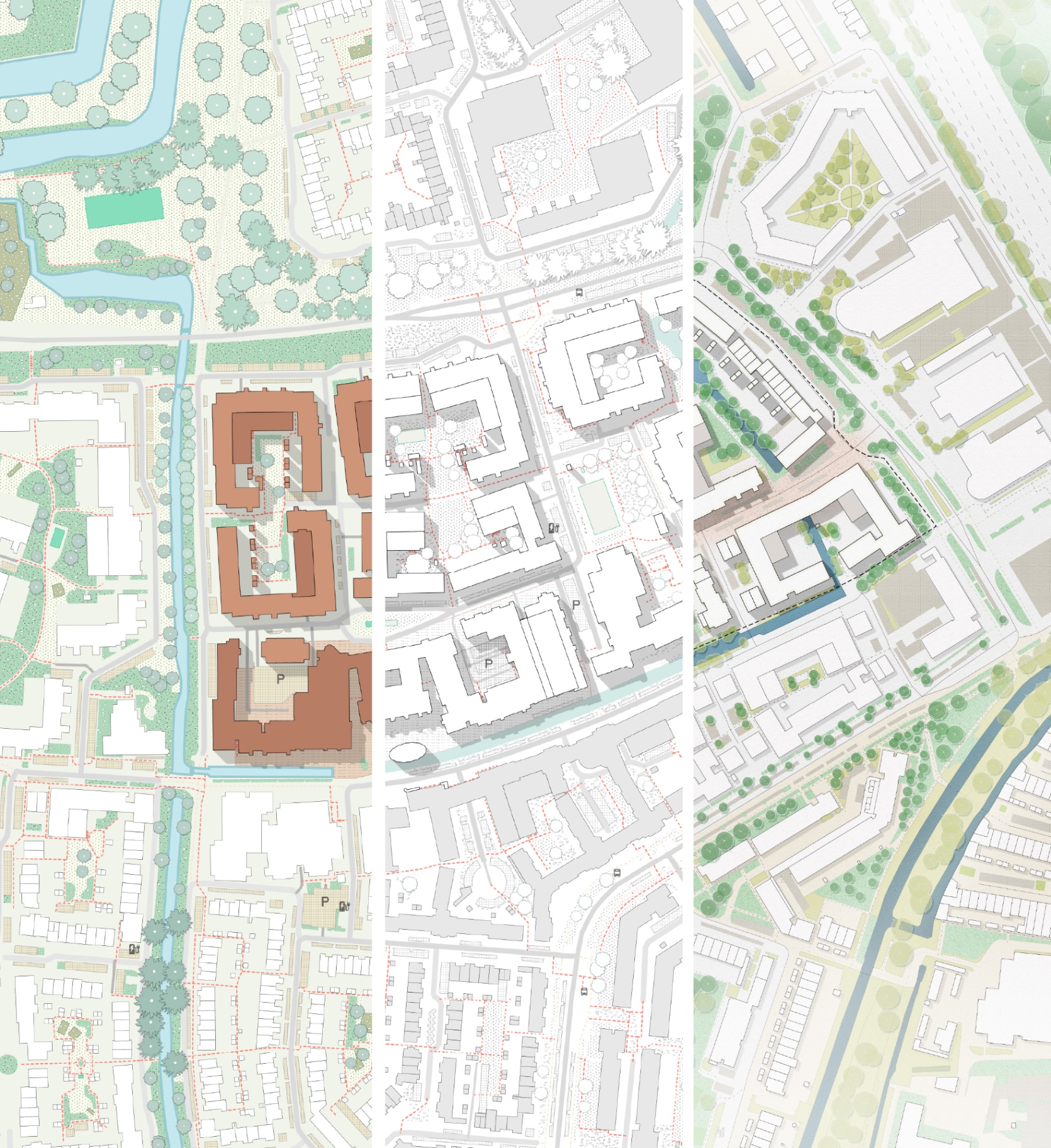
Render in a language that fits your design. Master three distinct rendering styles: textured, illustrative, and black and white. Learn when each one works and how to apply it on real site plans, using Photoshop and Illustrator workflows built specifically for architects.

  • Layered PSD and AI files included
  • Graphic resources library
  • Ready-to-use templates
$48$78
Urban Design GraphicsNew Release
From sketch to masterplan

Urban Design Graphics

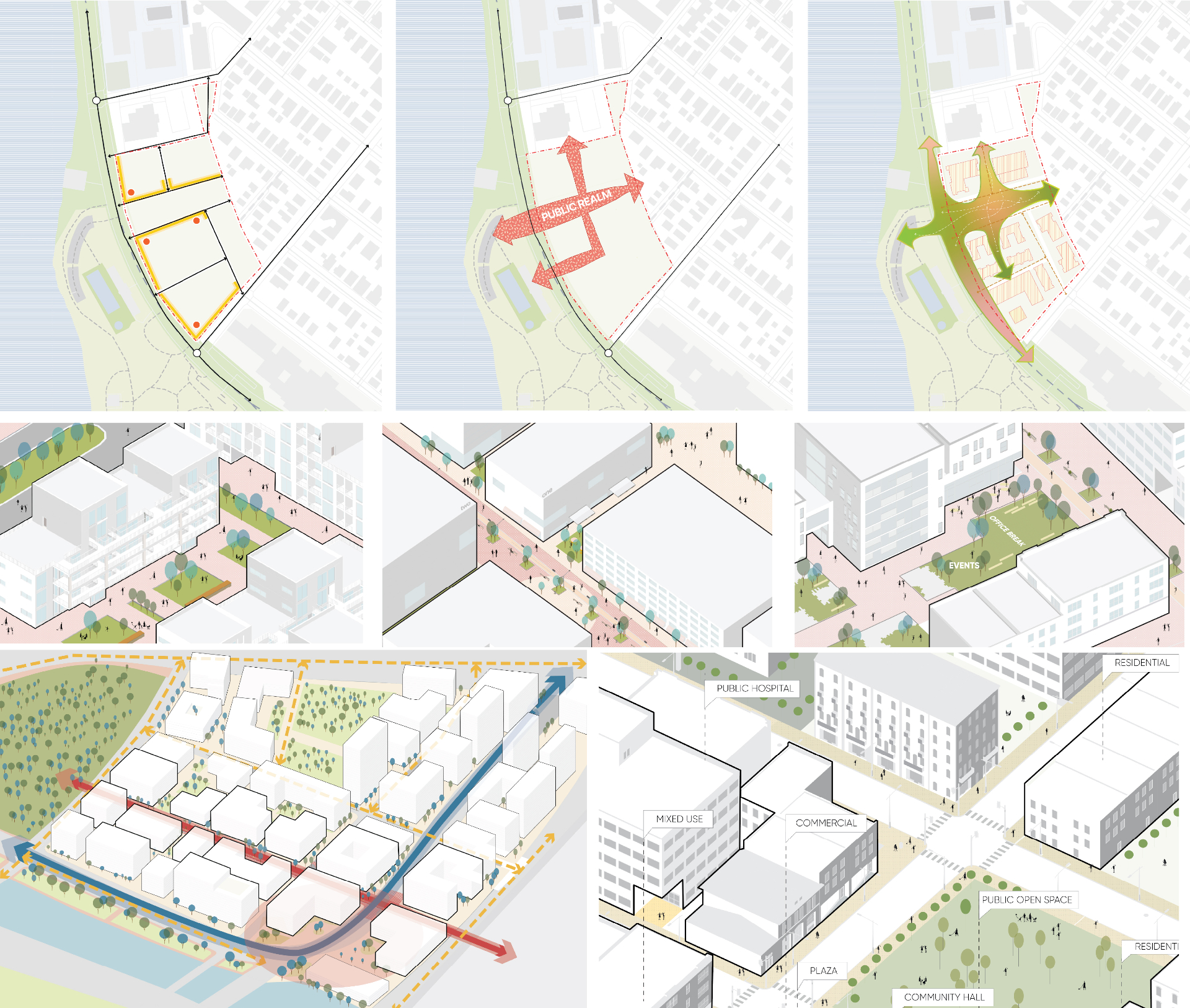
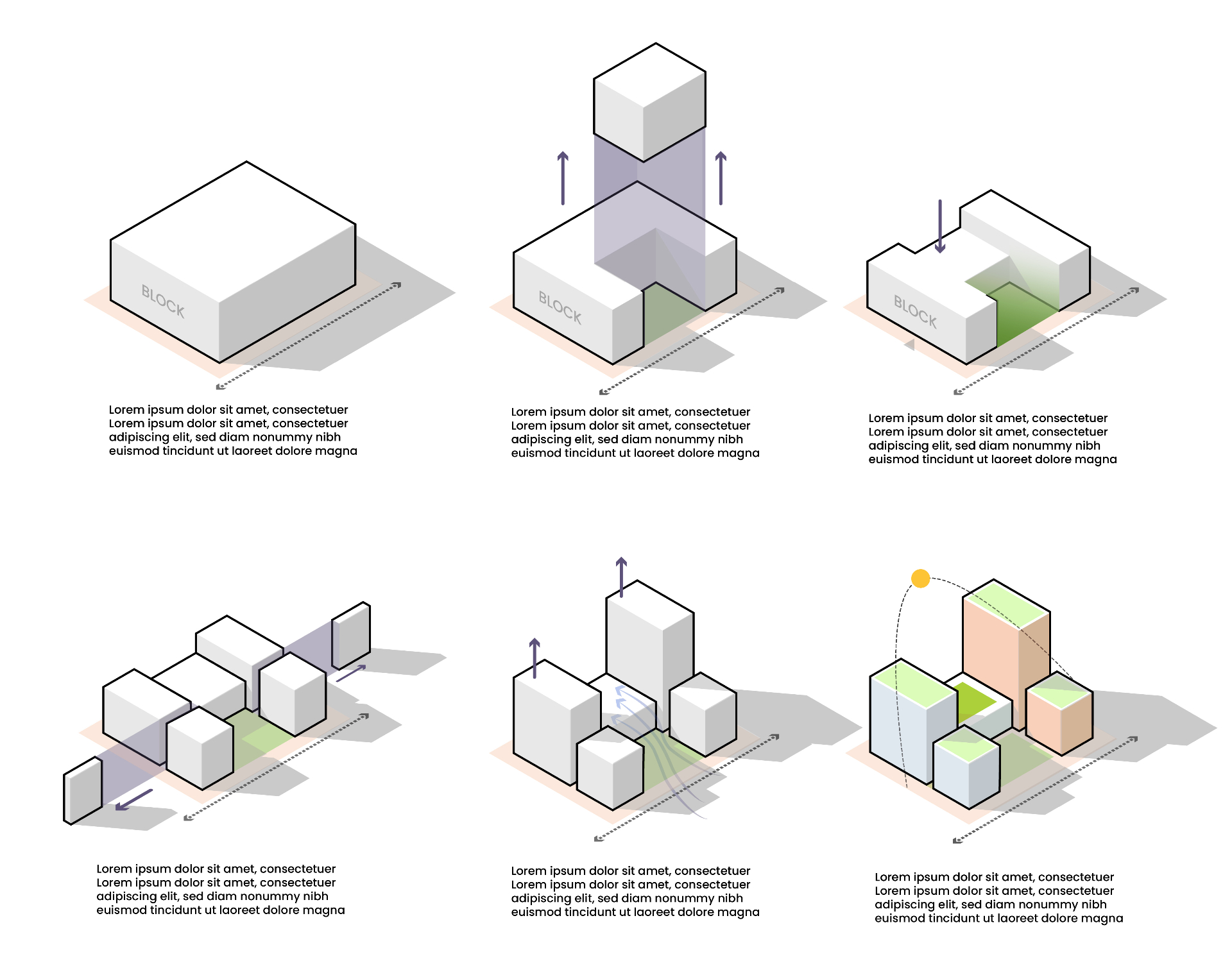
Turn complex urban ideas into drawings that convince. Learn 2D and 3D diagram workflows in Illustrator, from the logic of the diagram to the final graphic.

  • Editable Illustrator templates
  • Vector toolkit included
  • 3 distinct types of diagrams
$58$98

The full catalog

Every course, inside the Summer School.

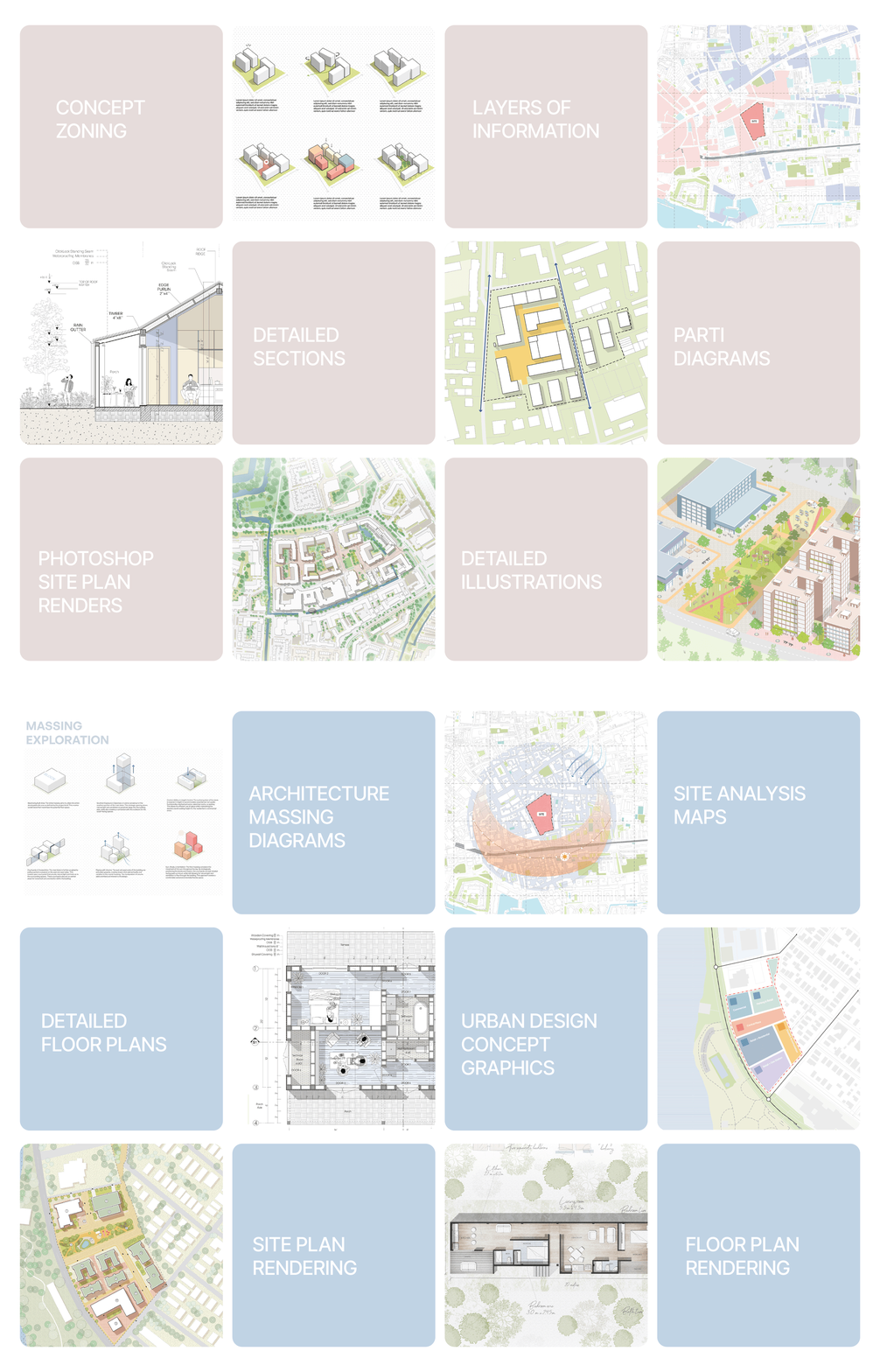
Six signature courses covering 2D drawings, 3D visuals, site analysis, diagrams, and visual communication, all unlocked at Summer School pricing.

Advanced Photoshop for Architectural Drawings

5+ hrs · Material Library

Advanced Photoshop for Architectural Drawings

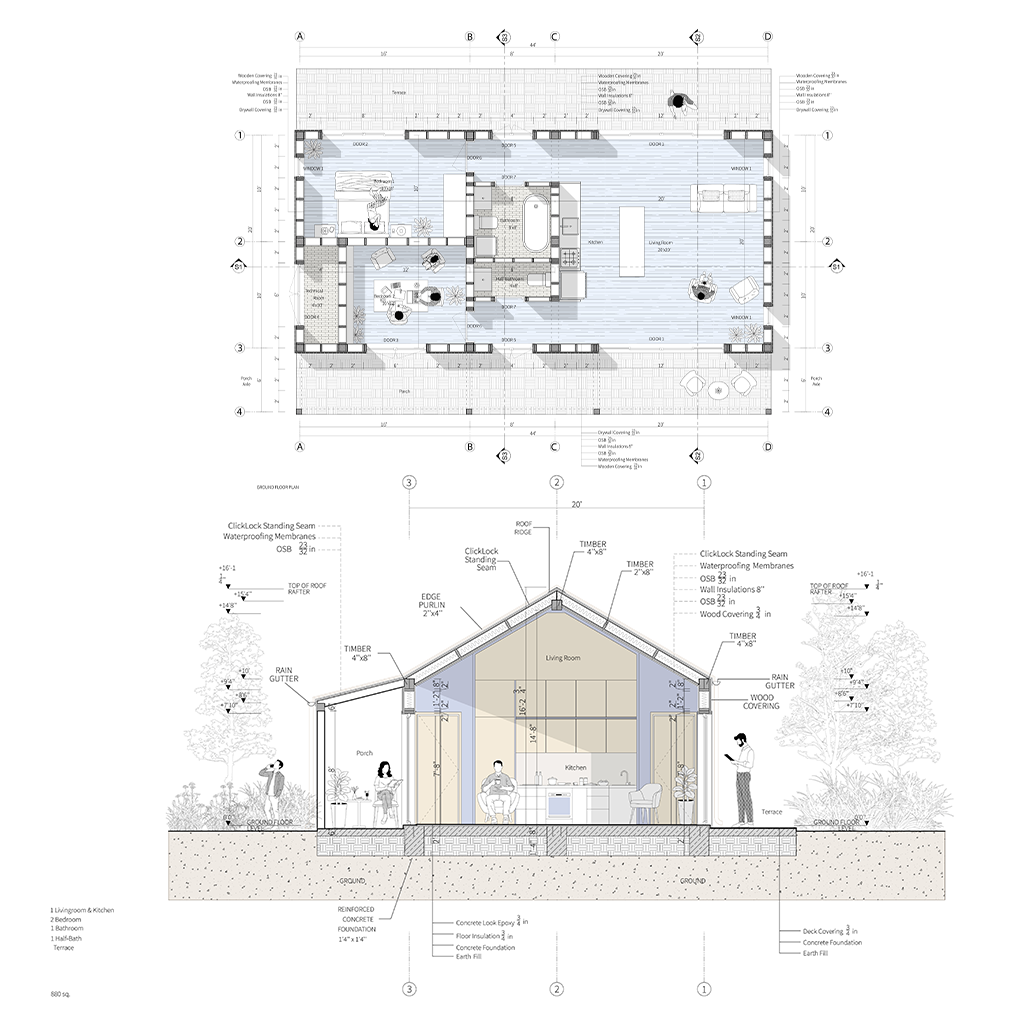
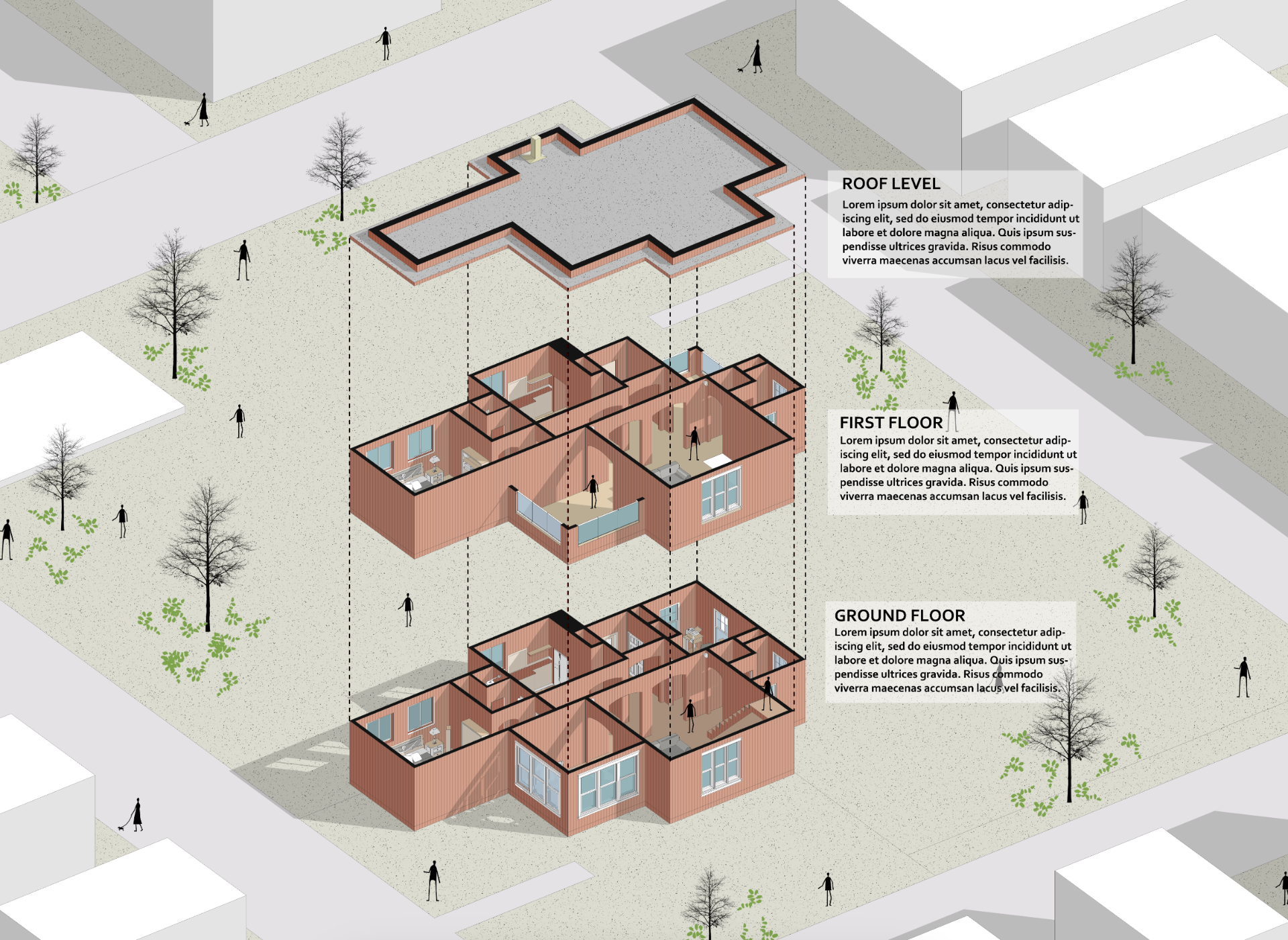
Advanced Photoshop techniques to create clean, minimalistic plans, perspective sections and exploded axonometrics in an internationally accepted graphic style.

$58$98summer price
All About Diagrams Masterclass

6+ hrs · Vector Resources

All About Diagrams Masterclass

Beginner-friendly toolkit to turn 2D and 3D drawings into clear, captivating diagrams that level up your visual communication.

$58$98summer price
Mastering Site Analysis Maps

5+ hrs · Beginner Friendly

Mastering Site Analysis Maps

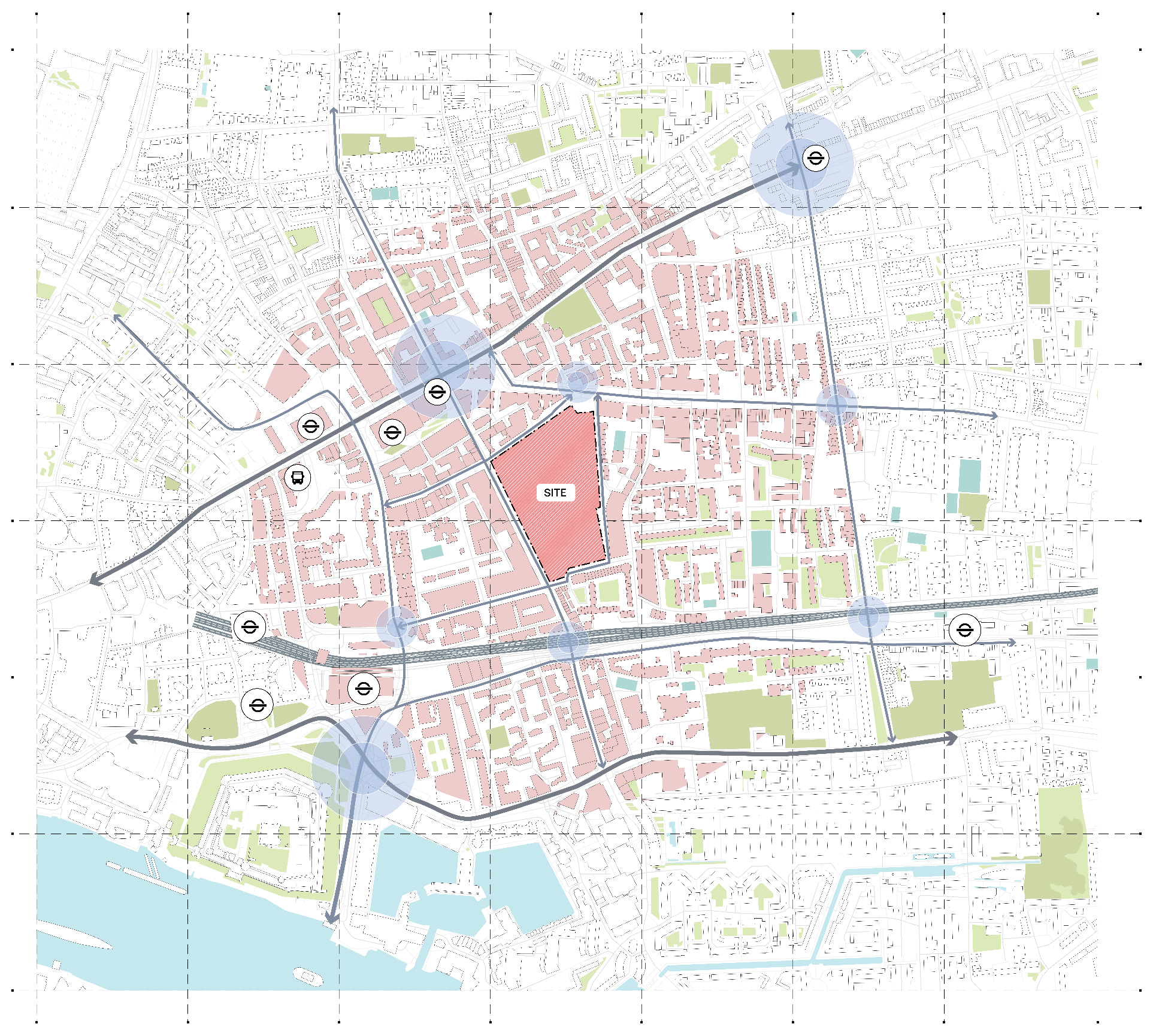
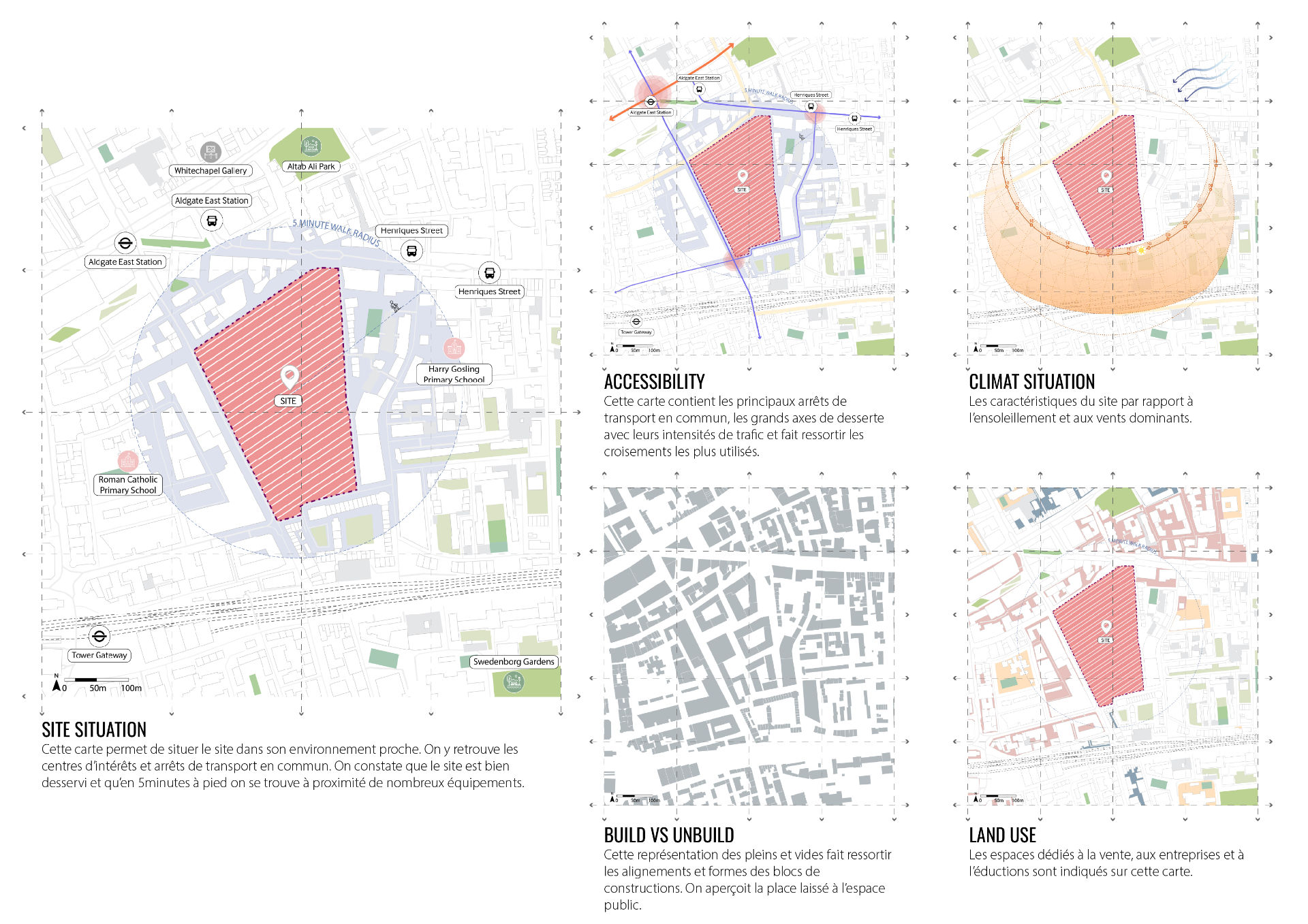
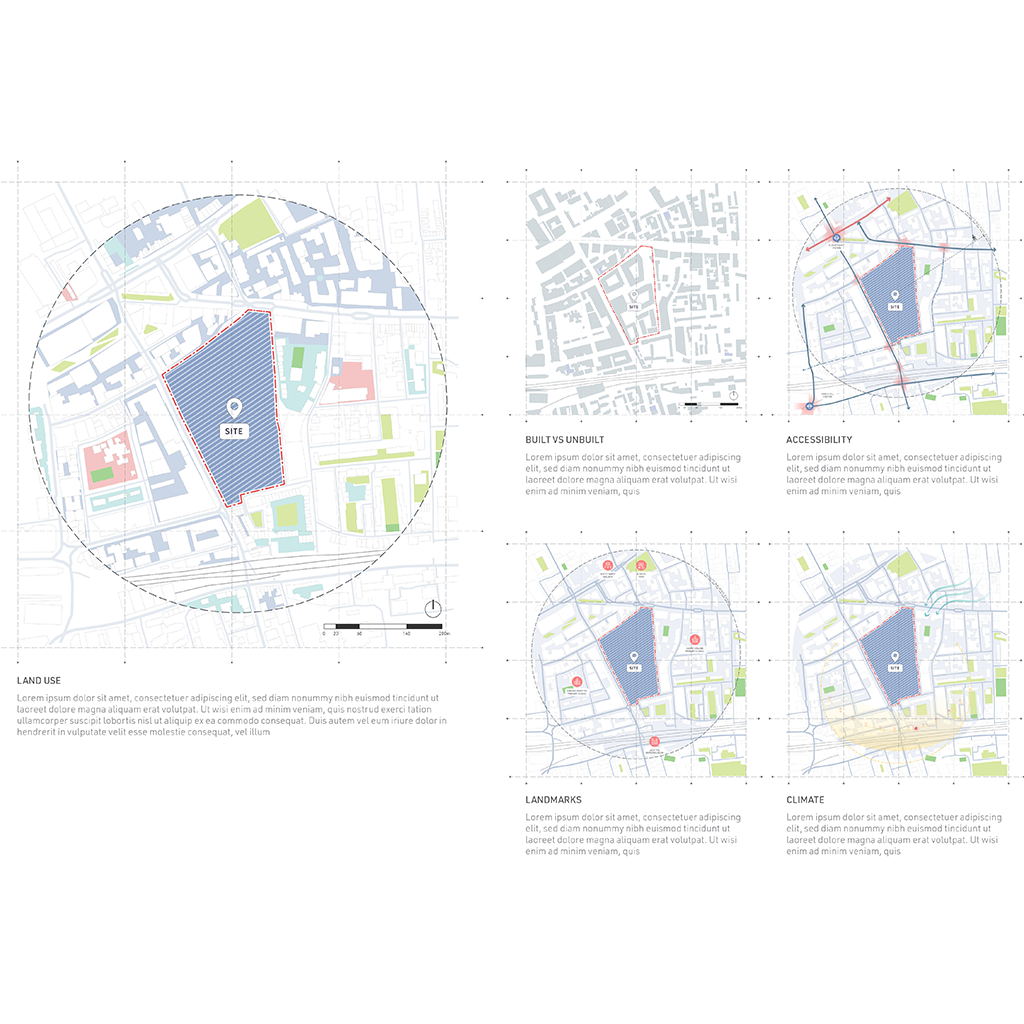
Build professional site analysis maps in Illustrator — essential mapping techniques, data visualization and layered graphics.

$58$98summer price
Technical Style Drawings

3+ hrs · Mini Course

Technical Style Drawings

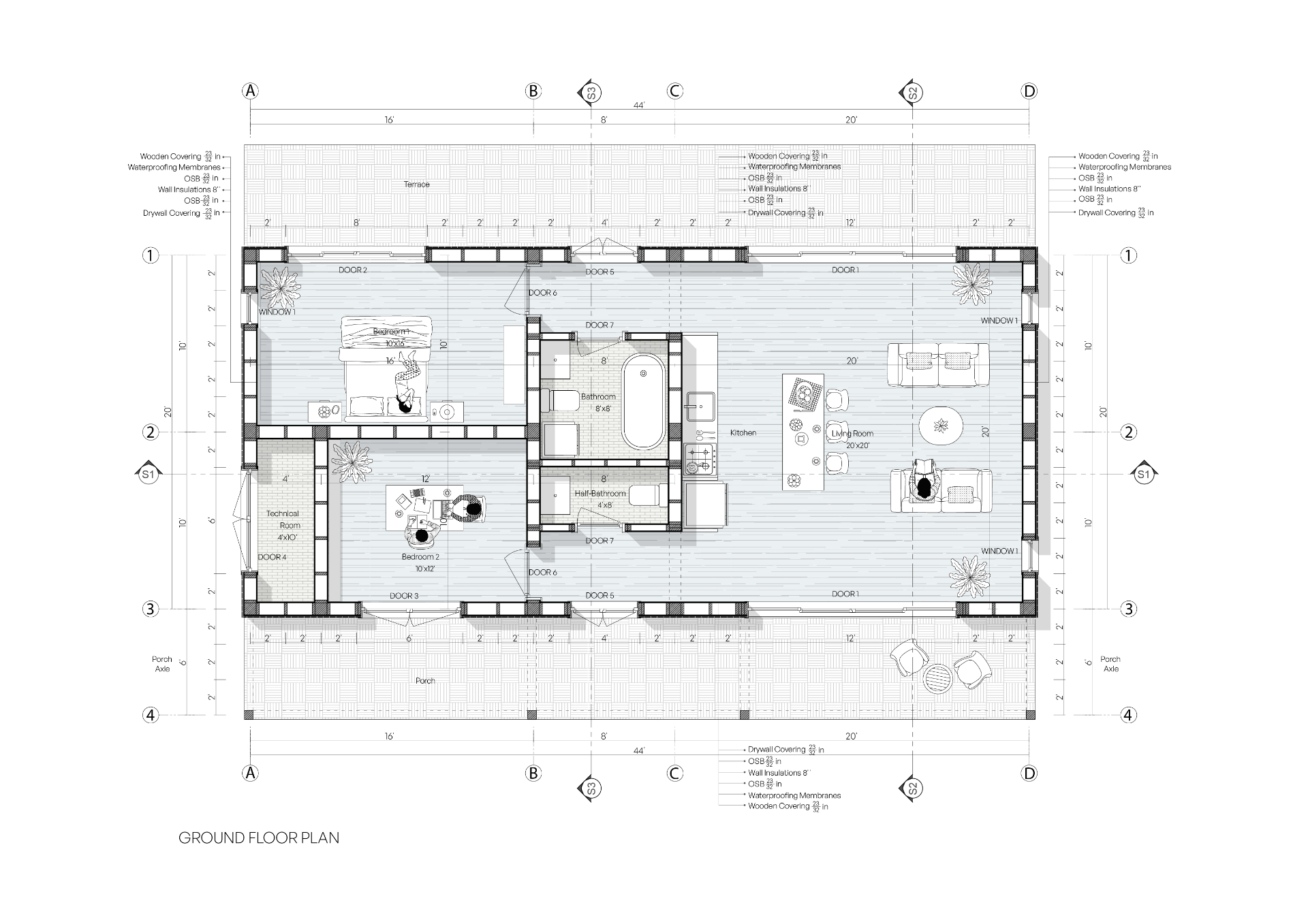
Transform CAD drawings into polished, presentation-ready visuals: clean lineweights, annotations, trees, people, shadows and textures.

$27$65summer price

Proof, not promises

What students walk away with.

Real drawings from past students — the same techniques and workflows you'll learn inside.

Massing Diagram Study — student output
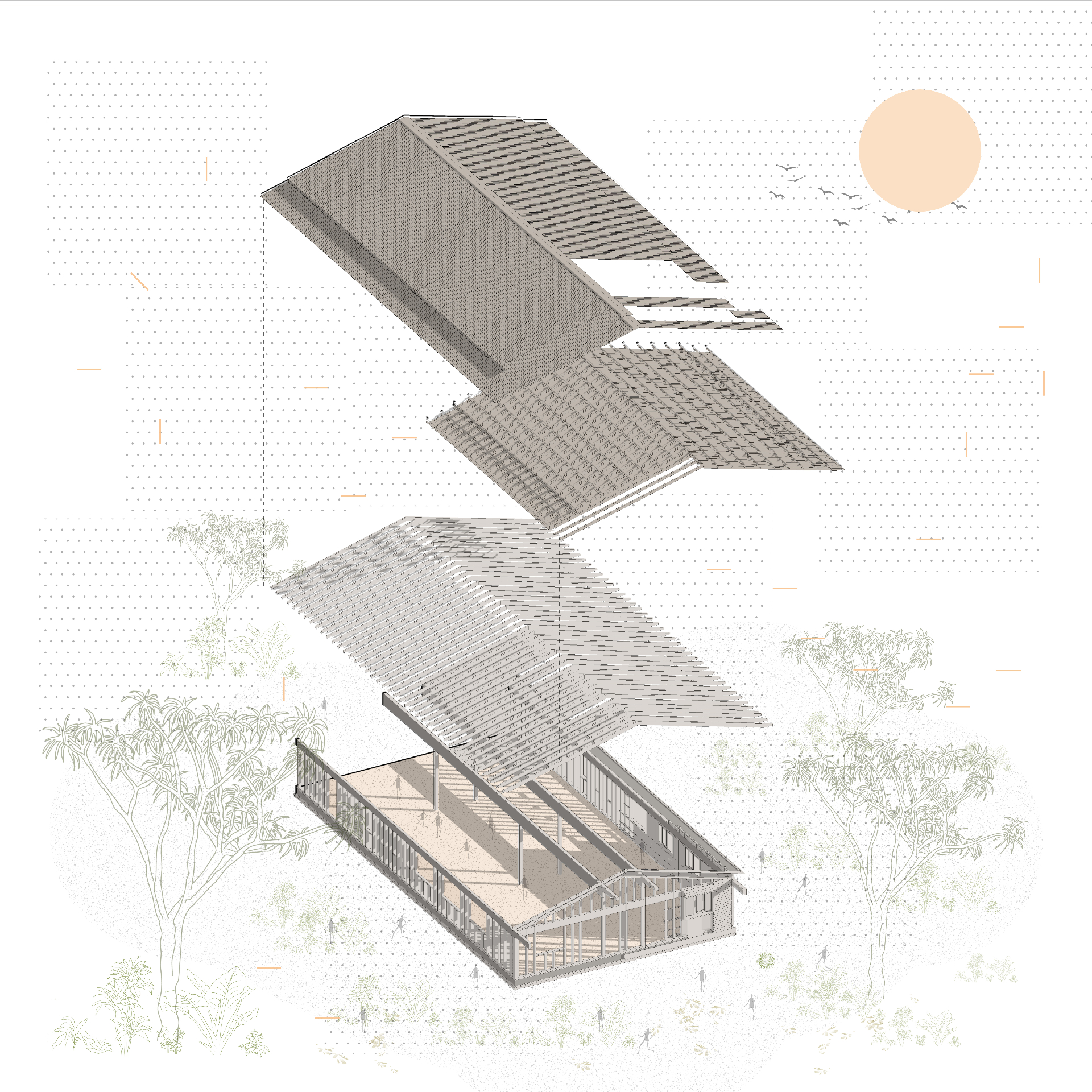
Exploded Axonometric — student output
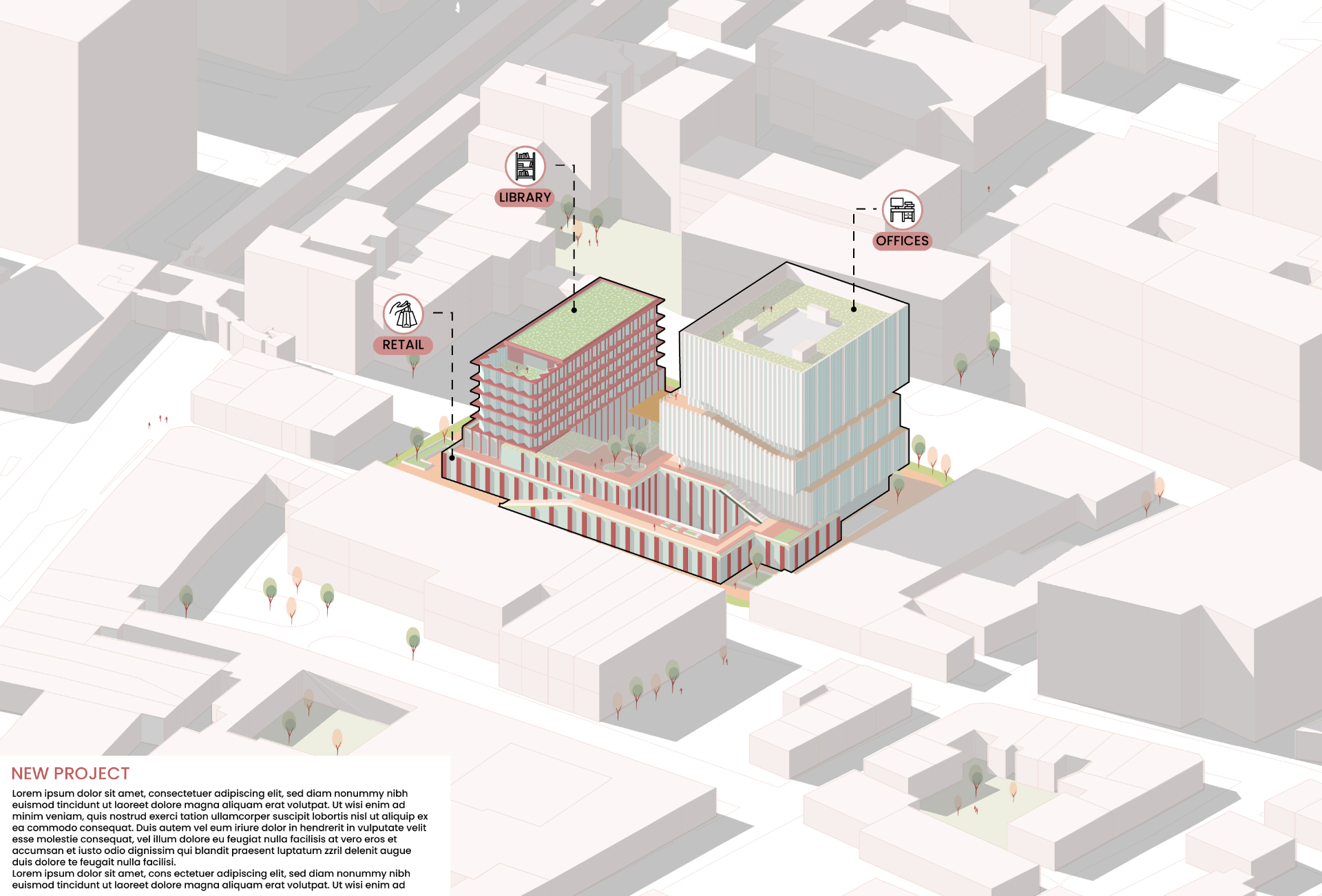
Mixed-Use Massing — student output
Plan & Section — student output
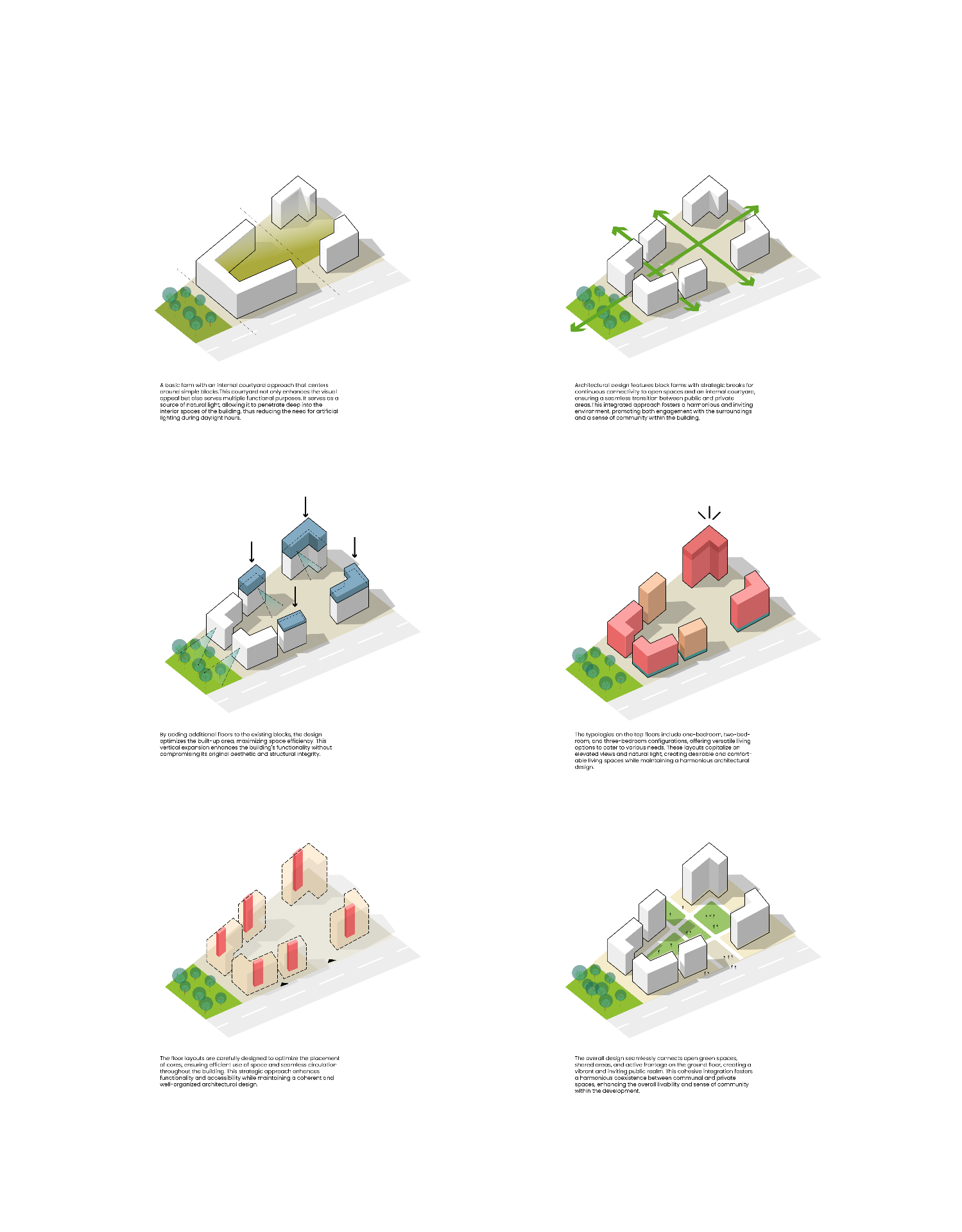
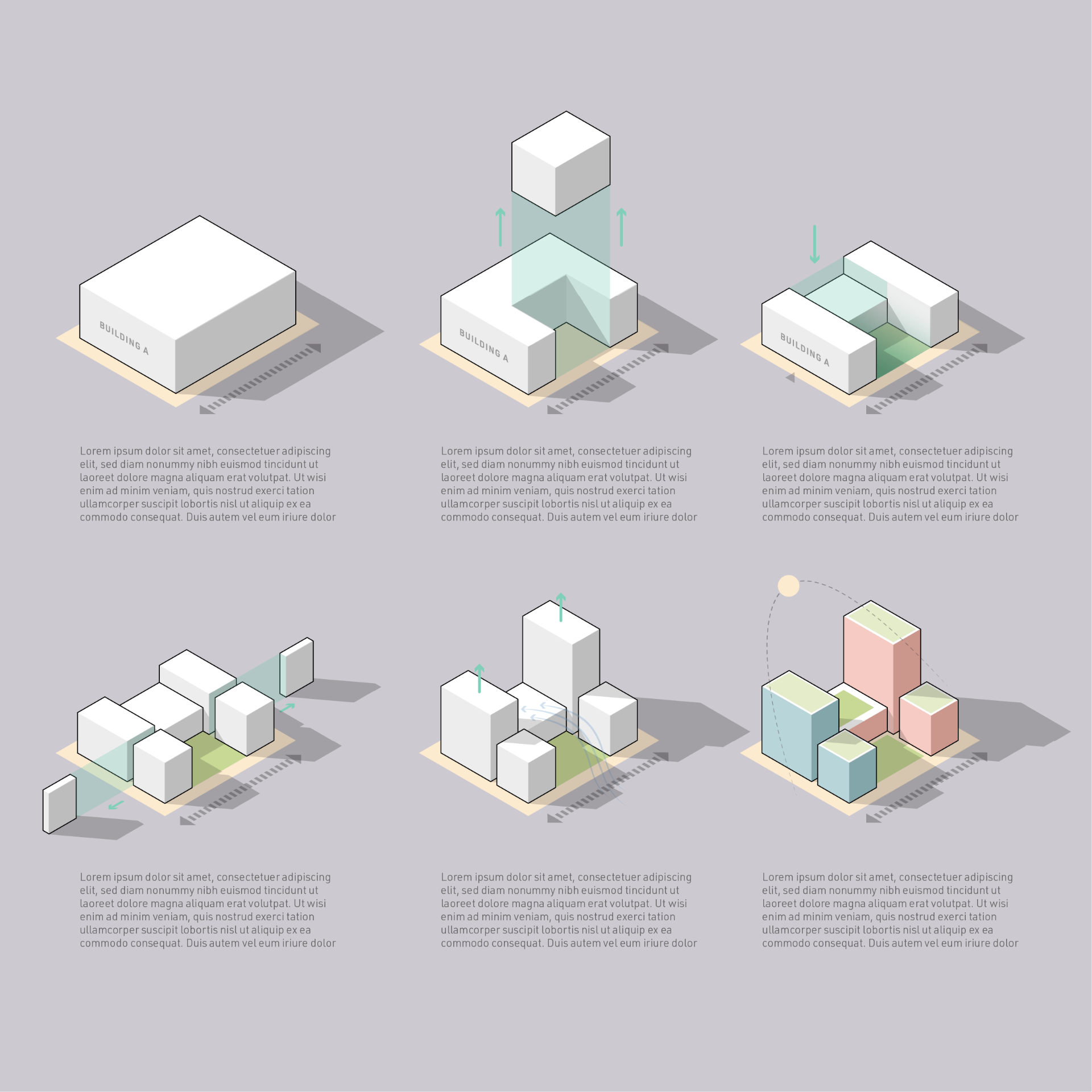
Massing Sequence — student output
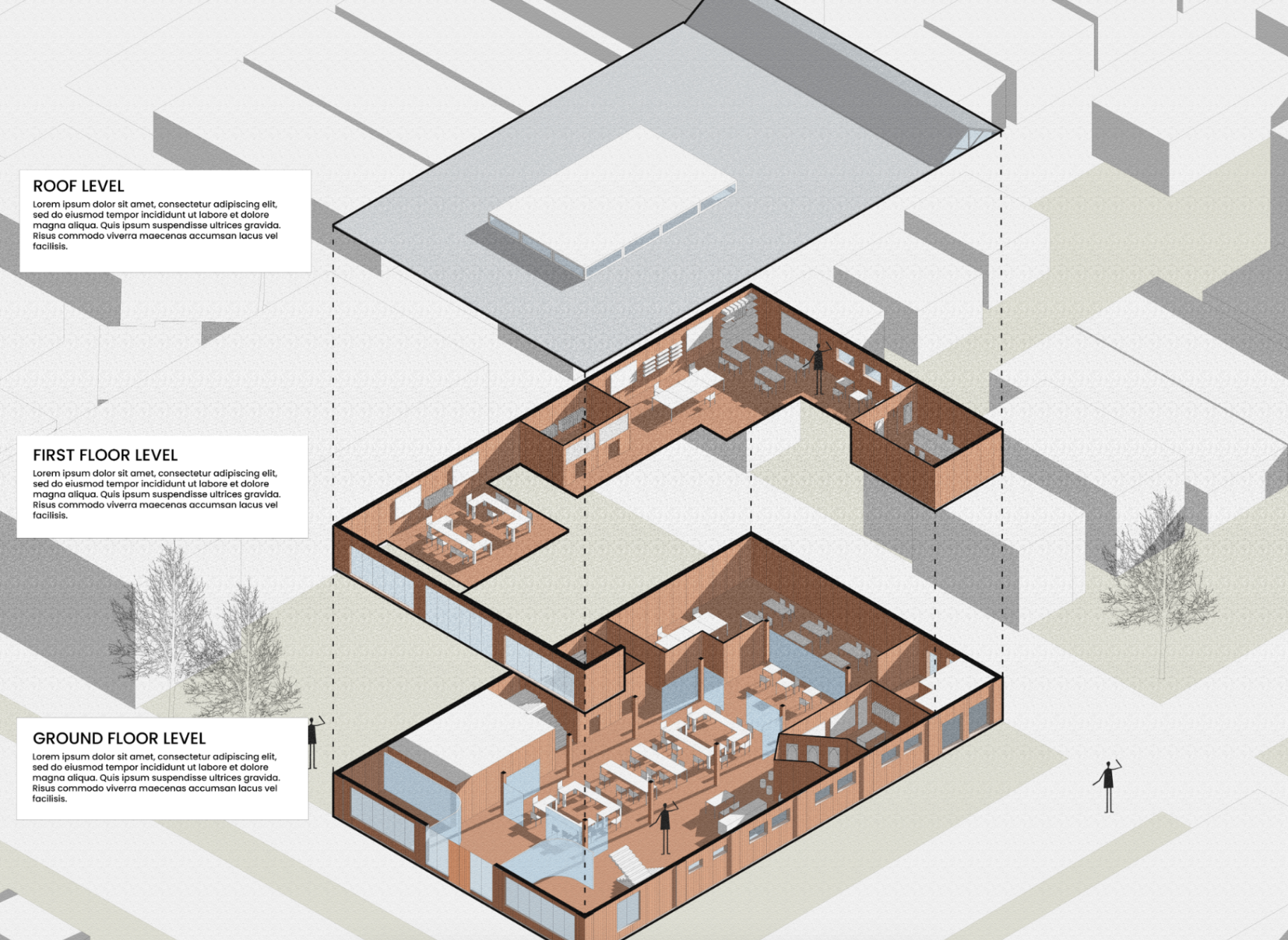
Floor-by-Floor Axon — student output
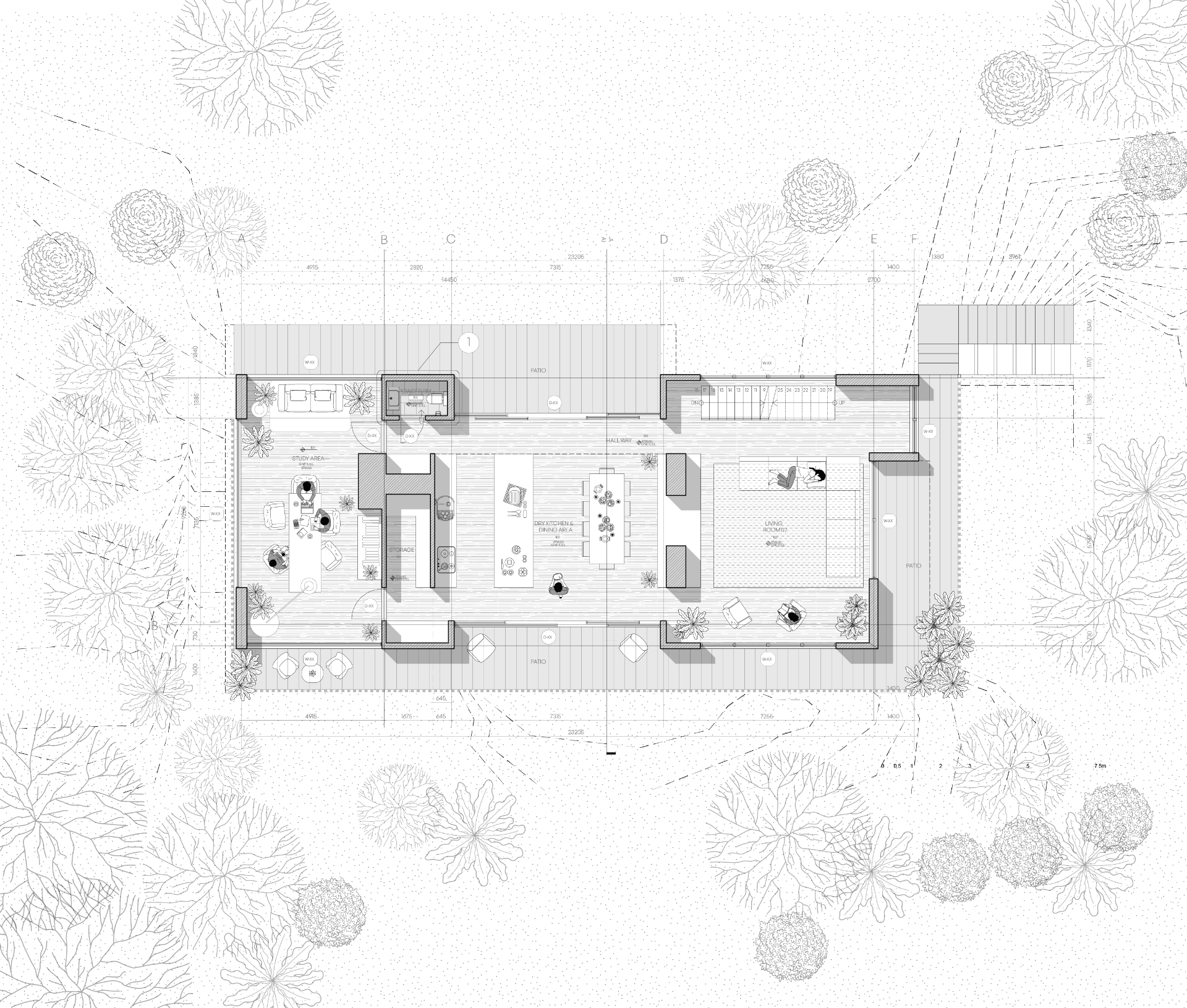
Technical Floor Plan — student output
Site Analysis Map Set — student output
Site Analysis Composition — student output
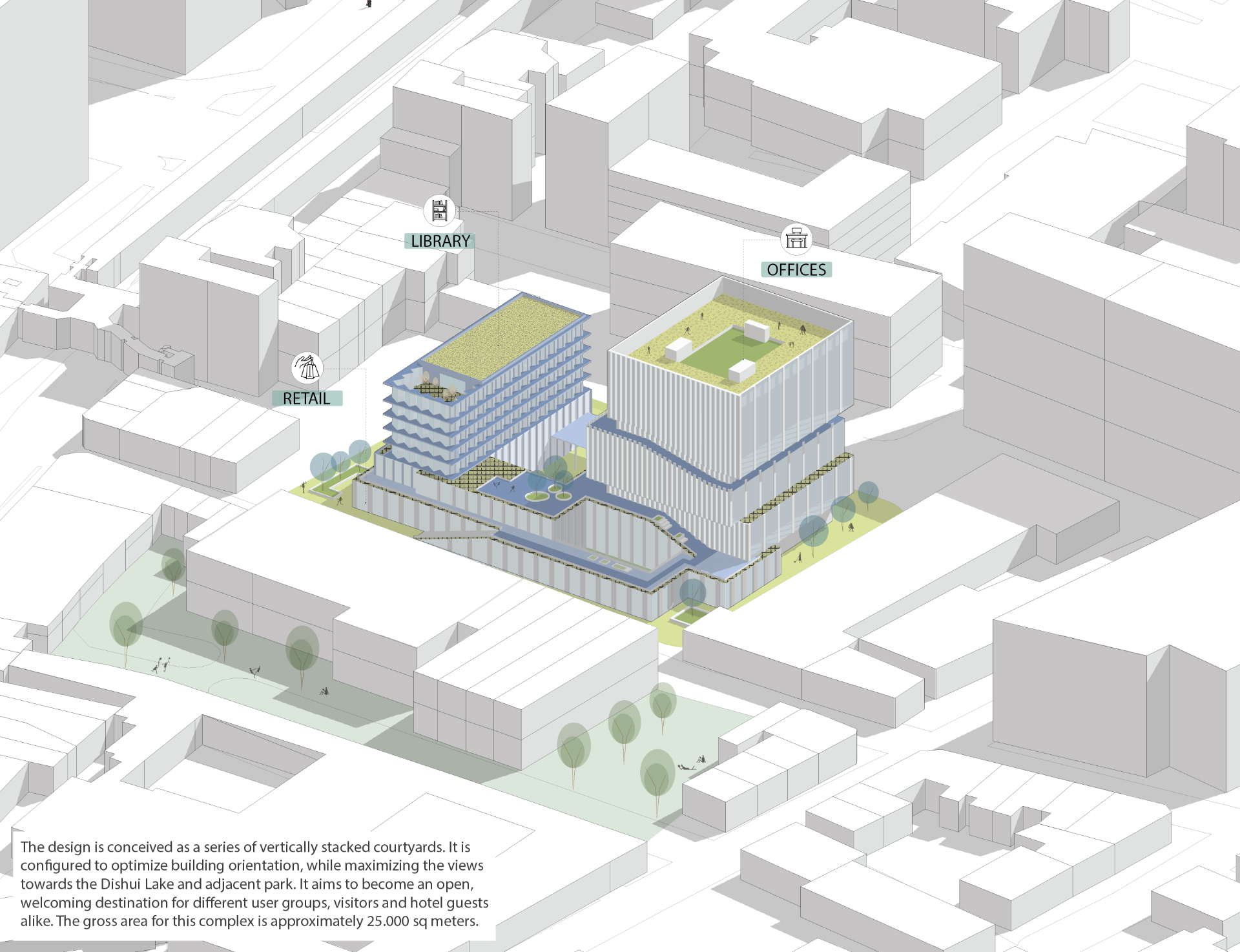
Stacked Courtyards Massing — student output

Loved by 2,500+ designers

Words from our students.

"It was a great course. I went from beginner to intermediate in one weekend, and learned lots of design concepts along the way. I also enjoyed the hands on teaching style. Would definitely recommend."
V
Vanessa Williams
All About Diagrams Masterclass
"Vishakha is a naturally gifted teacher. Her explanations were clear and easy to follow. She broke down each step to achieve a specific architectural illustration style — I now feel much more confident creating well-designed, illustrated diagrams."
S
Stella Vazquez
All About Diagrams Masterclass
"The introduction to Illustrator was very helpful as a beginner and allowed the rest of the course to flow smoothly. It was direct, showing exactly how to use specific tools — while also encouraging me to explore my own personal style."
M
Mariola Alberto
All About Diagrams Masterclass
"Beginner-friendly in topics, explanations and outputs. The minimal style is simple, precise and aesthetic. Self-paced learning helped me follow along and rewatch whenever needed. Overall, zero complaints."
R
Rachana Yogamurthy
All About Diagrams Masterclass
"I'm a municipal planner, and one of my biggest goals was to hone my digital drawing skills. This course filled in so many of those gaps and gave me the confidence to start integrating more visual storytelling into my planning."
I
Izabell
Mastering Site Analysis Maps
"Incredibly insightful and well-structured. The clear explanations and visual approach made complex concepts feel much more approachable. It truly helped me understand and analyse my site better."
G
Garima Agrawal
Mastering Site Analysis Maps
"Accessible, simple and well-structured. The instructions are clear, and the exercise is great for practicing. I learned lots of useful tips for my future projects — and it was fun too."
M
Marion Peyrat
Mastering Site Analysis Maps
"I was nervous coming in as a beginner, but by following the instructions and feedback I created every practice file with ease. I was really shocked I was able to do this. Looking forward to applying my new skills in school and my portfolio!"
C
Carissa Perrella
Advanced Photoshop, Canada
"You learn a SPECIFIC WORKFLOW to photoshop your plans, make collages and transform a simple render into a beautiful illustration — without watching 100 YouTube tutorials. The resources and brushes were essential for me."
G
Georgia Chlepa
Advanced Photoshop, Greece
"Among the most useful workshops I've ever attended. I've used Photoshop for a while, but never knew how to effectively use it for architectural representations. The pace was excellent and the resource library is invaluable."
N
Nisrine Habib
Advanced Photoshop, Morocco
"Vishakha is an exceptional tutor. She taught not only her way of working but also how important the quality of presentation is for architecture. Even as a beginner I learned a lot I hope to apply soon."
K
Kabahinda Arinda Angel
Advanced Photoshop, UK
"Quite helpful for upgrading my skills. I learned new techniques and long-standing doubts were cleared — the masking tool I used to struggle with became so easy. Will definitely keep using these techniques."
S
Siddhi Javeri
Advanced Photoshop, India
"It was a great course. I went from beginner to intermediate in one weekend, and learned lots of design concepts along the way. I also enjoyed the hands on teaching style. Would definitely recommend."
V
Vanessa Williams
All About Diagrams Masterclass
"Vishakha is a naturally gifted teacher. Her explanations were clear and easy to follow. She broke down each step to achieve a specific architectural illustration style — I now feel much more confident creating well-designed, illustrated diagrams."
S
Stella Vazquez
All About Diagrams Masterclass
"The introduction to Illustrator was very helpful as a beginner and allowed the rest of the course to flow smoothly. It was direct, showing exactly how to use specific tools — while also encouraging me to explore my own personal style."
M
Mariola Alberto
All About Diagrams Masterclass
"Beginner-friendly in topics, explanations and outputs. The minimal style is simple, precise and aesthetic. Self-paced learning helped me follow along and rewatch whenever needed. Overall, zero complaints."
R
Rachana Yogamurthy
All About Diagrams Masterclass
"I'm a municipal planner, and one of my biggest goals was to hone my digital drawing skills. This course filled in so many of those gaps and gave me the confidence to start integrating more visual storytelling into my planning."
I
Izabell
Mastering Site Analysis Maps
"Incredibly insightful and well-structured. The clear explanations and visual approach made complex concepts feel much more approachable. It truly helped me understand and analyse my site better."
G
Garima Agrawal
Mastering Site Analysis Maps
"Accessible, simple and well-structured. The instructions are clear, and the exercise is great for practicing. I learned lots of useful tips for my future projects — and it was fun too."
M
Marion Peyrat
Mastering Site Analysis Maps
"I was nervous coming in as a beginner, but by following the instructions and feedback I created every practice file with ease. I was really shocked I was able to do this. Looking forward to applying my new skills in school and my portfolio!"
C
Carissa Perrella
Advanced Photoshop, Canada
"You learn a SPECIFIC WORKFLOW to photoshop your plans, make collages and transform a simple render into a beautiful illustration — without watching 100 YouTube tutorials. The resources and brushes were essential for me."
G
Georgia Chlepa
Advanced Photoshop, Greece
"Among the most useful workshops I've ever attended. I've used Photoshop for a while, but never knew how to effectively use it for architectural representations. The pace was excellent and the resource library is invaluable."
N
Nisrine Habib
Advanced Photoshop, Morocco
"Vishakha is an exceptional tutor. She taught not only her way of working but also how important the quality of presentation is for architecture. Even as a beginner I learned a lot I hope to apply soon."
K
Kabahinda Arinda Angel
Advanced Photoshop, UK
"Quite helpful for upgrading my skills. I learned new techniques and long-standing doubts were cleared — the masking tool I used to struggle with became so easy. Will definitely keep using these techniques."
S
Siddhi Javeri
Advanced Photoshop, India

The problem you know too well

Good design poorly drawn is still a missed opportunity.

Your concept diagram looks cluttered instead of clear. Your site map reads like a technical submission, not a design statement. Your sections and plans are accurate but lifeless, and you're not sure how to fix them.

Visual communication is the skill architecture school skips over. These courses teach it directly: from 2D drawing clarity to 3D depth to the diagrammatic thinking that makes complex ideas land instantly.

What you'll learn

By the end of summer school, you'll be able to:

Draw ideas, not just outlines

Take a concept from rough sketch to a clear, communicative drawing: site analysis, concept diagrams, detail drawings and 2D illustrations that actually explain your design thinking.

Render with intention, not just technique

Move from SketchUp to Illustrator and CAD to Illustrator with a workflow that gives your 3D visuals depth, graphic consistency, and a professional finish across every stage of the project.

Build a visual language for your whole project

Not one polished drawing, but a complete set: analysis maps, concept graphics, technical illustrations and 3D renders that all speak the same visual language from first sketch to final presentation.

Present work that gets remembered

Bring together your drawings, diagrams and renders into presentations that guide the eye, tell a clear story, and hold up in front of studios, clients and juries.

Who it's for

This is for you if…

You're a student or early-career architect who knows your design thinking is stronger than your portfolio shows. You've been told your work needs to "look more professional" and you're not sure where to start. You're applying for jobs, internships, or awards — and you want your submission to stand out.

"As a Landscape Architecture Grad student I have to do a lot of diagrams but I could not make them look so crisp and professional like my classmates. But after this course it provided me with confidence and tools to make professional diagrams and illustrate my ideas effectively."
— Melissa (Student in All About Diagrams Masterclass)
2.5K+
Architects taught
30+
hours of premium video content
4.9★
Average rating
Lifetime
Access included

Be first through the door when the sale opens 8th July.

Join the waitlist for early access, sale reminders, and waitlist-only perks.

Free to join. Sale runs 8 to 12 July only.